Adding Pet Details
Even after making a reservation, users can add one or more pet details for the guest. To do so, follow the steps outlined below.
Navigate to the Pet button at the right-side of the screen and click on it.
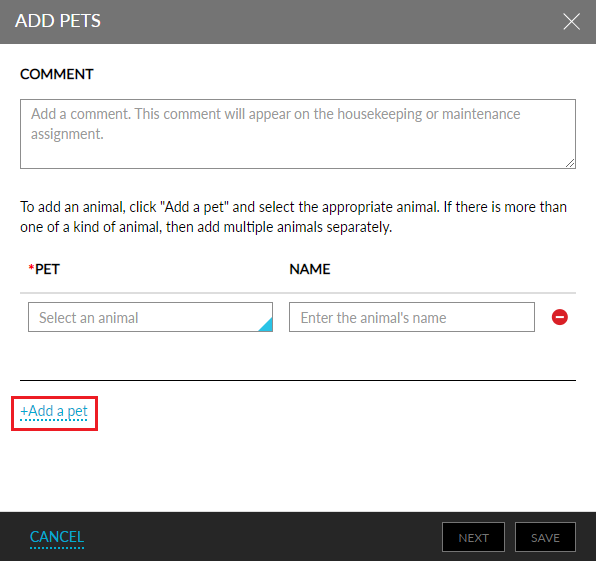
The Add Pets pop-up box appears.
Go through the below table and fill in the respective fields.
|
Field |
Description |
|---|---|
|
Comment |
A description of the pet |
|
Pet |
Type of the pet |
|
Name |
Name of the pet |
|
Add a pet |
To add one or more pets |
Click Save.